How to Add Payment method:
1. Navigate to My Account, and click Payment Methods

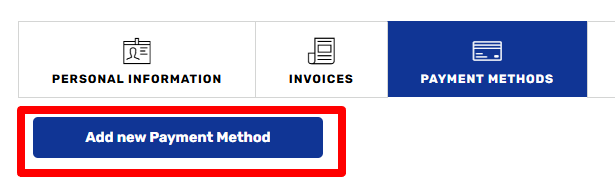
2. Click Add new Payment Method:
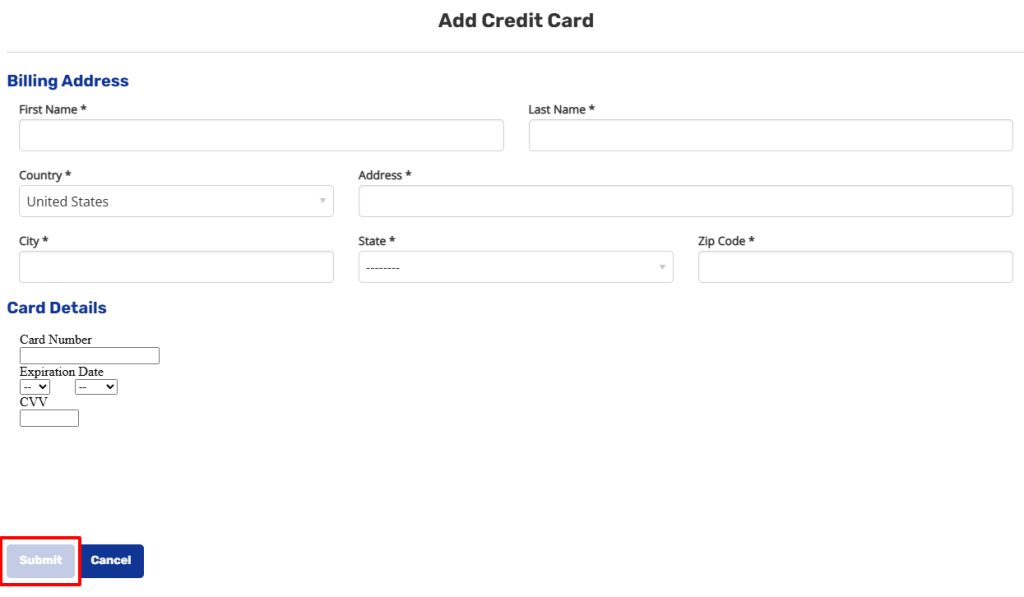
3. Fill out all the required details, and click submit:
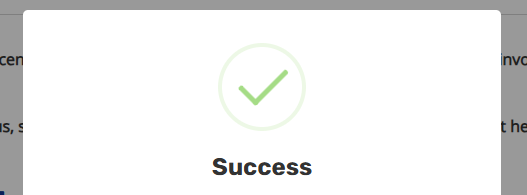
4. Success you have added a payment method!
How to Pay an invoice:
1. First Click on Account, and go to Invoices:

2. Click View/Pay on any invoice:
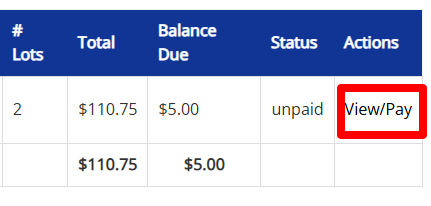
3. Click Pay invoice:

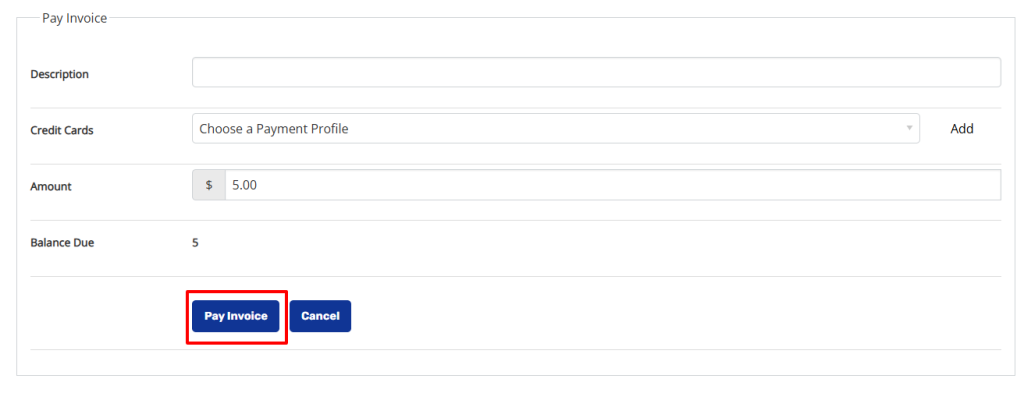
4. Select your payment profile, fill out the amount (balance due will auto populate in this field) and click Pay Invoice.
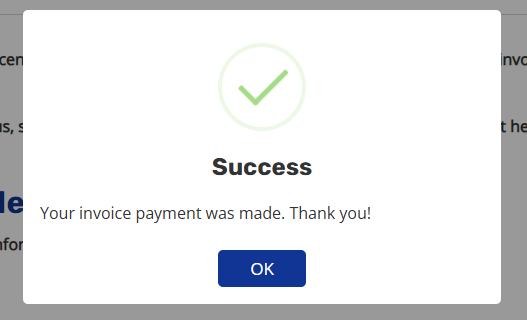
5. Success! You have paid your invoice!