Begin by clicking on the “My Account” option located in the navigation bar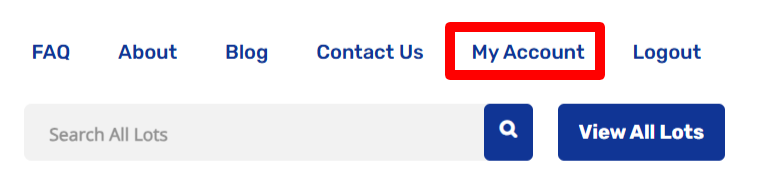
Within your account, select “Invoices” to view all the invoices associated with your account.
On the Invoices screen, you’ll find a summary of all invoice details, including:
- The auction associated with the invoice
- The number of lots won
- The total amount
- The balance due
- The payment status
For a more detailed view of a specific invoice, click on “View” next to the desired invoice.
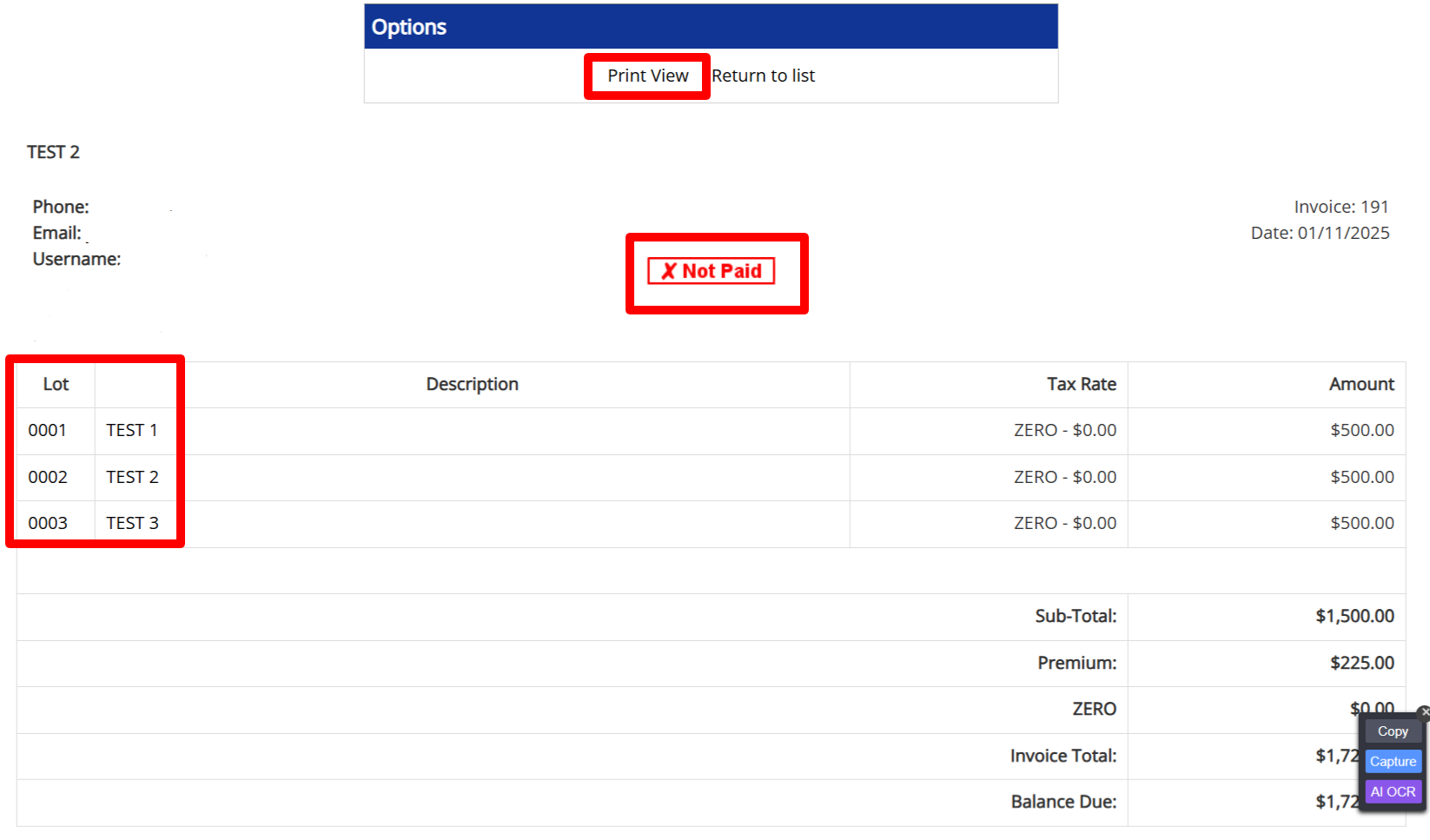
The detailed view provides comprehensive information, such as:
- The lots you’ve won
- A description of each lot
- A price breakdown for each lot
- The payment status of the invoice
- Printable View of invoice
This straightforward process ensures you can easily track and review your invoices at any time.